If you are looking for a simple way to watch IPTV on your compatible device, Hot Player is one of the applications you may come across. It provides a convenient interface for accessing and organizing compatible IPTV playlists, making it easier to browse live TV channels and other available content.
However, choosing an IPTV player is not only about the application’s name. Device compatibility, playlist support, navigation, EPG functionality, and streaming performance can all affect your experience.
In this complete guide, we will explain what Hot Player is, how it works, how to set it up, which devices may support it, and what to consider before using it.
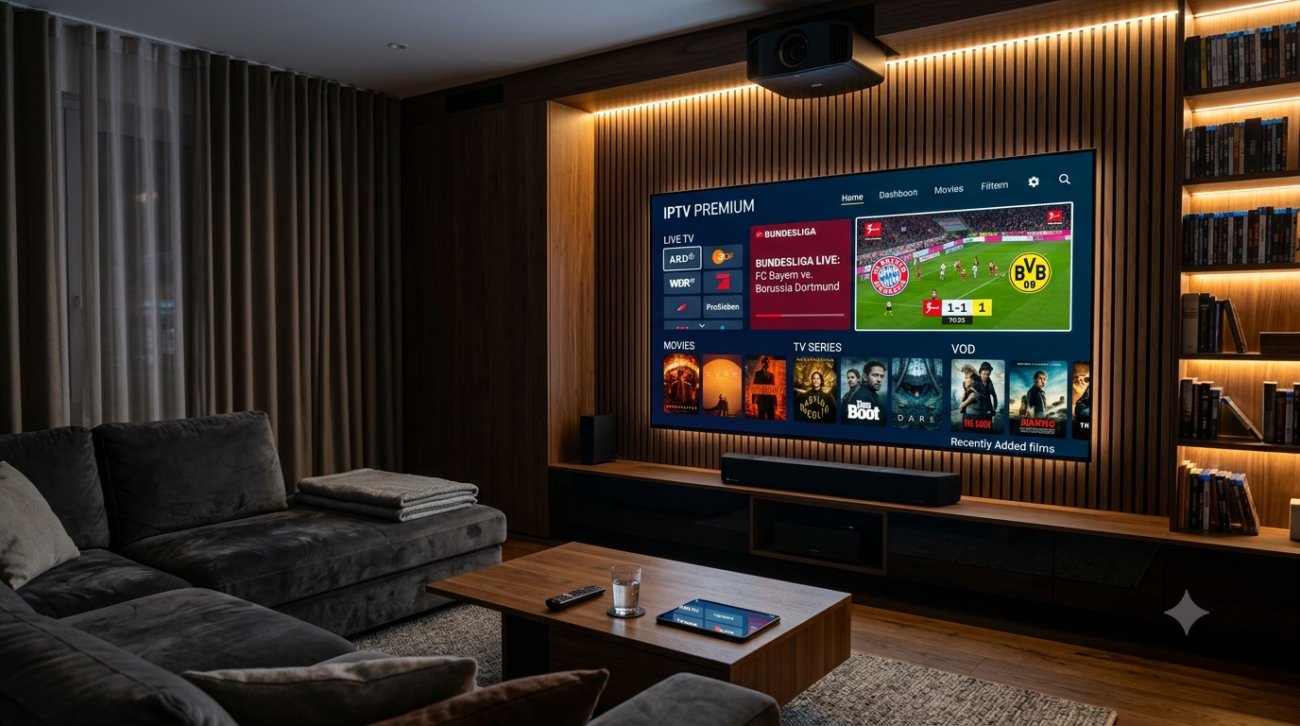
How Does Hot Player Work?
The basic idea behind Hot Player is straightforward.
Your IPTV provider supplies compatible access details or a playlist. You enter those details into the player, and the application organizes the available content into categories that you can browse from your television or other supported device.
Depending on the service and player configuration, you may see categories such as:
- Live TV
- Movies
- Series
- Favorites
- TV Guide
- Recently watched content
The exact options can vary depending on the version of the application, device, and playlist supplied by the content provider.
Is Hot Player an IPTV Service?
No. Hot Player should be understood as a player rather than an IPTV content provider.
This means the application does not necessarily include channels or television programming when you install it.
You normally need a compatible IPTV playlist or service separately.
Think of it this way:
IPTV service = content source
Hot Player = application used to play and organize that content
This separation also means that problems with a particular channel are not always caused by the player itself.

Hot Player Features
The features available can depend on the device and application version, but several functions make IPTV players useful for everyday viewing.
Live TV Playback
The primary purpose is watching compatible live television streams.
Channels can typically be organized into groups, making it easier to move between different categories.
Channel Categories
A well-organized IPTV playlist can contain hundreds or thousands of channels.
Categories help users find what they are looking for without scrolling through one enormous list.
Favorites
If you regularly watch the same channels, adding them to a favorites section can make navigation considerably faster.
Instead of searching through the entire playlist, you can access your preferred channels directly.
Electronic Program Guide
An EPG can provide information about current and upcoming programs when compatible guide data is available.
This gives the IPTV experience a more traditional television-style interface.
Simple Navigation
For television users, remote-friendly navigation is especially important.
A good IPTV player should make basic actions such as changing channels, opening categories, and accessing favorites straightforward.
Hot Player Compatibility
Before installing Hot Player, it is important to check whether your particular device and operating system are supported.
IPTV applications can have different versions and availability depending on the platform.
Potentially relevant device categories include:
- Smart TVs
- Android TV devices
- TV boxes
- Streaming devices
- Smartphones
- Tablets
Compatibility can change over time as operating systems and application stores are updated.
For this reason, always check the current application listing or official source for your specific device.
Hot Player on Smart TV
One of the main reasons users look for IPTV applications is the ability to watch internet-delivered television directly on a Smart TV.
If Hot Player is available for your television model, the larger screen and remote control can provide a comfortable viewing experience.
Before installing it, check:
- Your TV brand.
- Your TV operating system.
- Whether the application is currently available.
- Whether your IPTV playlist format is supported.
If the application is not available for your TV, you may need a compatible external streaming device instead.
Hot Player on Android TV
Android TV devices generally offer a wide selection of IPTV applications.
If your version of Hot Player is compatible with your Android TV device, you can install it through an appropriate and trusted source and configure your IPTV service.
Android TV is particularly convenient for IPTV because many devices support external applications and traditional TV-style navigation.
A stable internet connection is also important, especially when watching HD or 4K streams.
Hot Player on Firestick
Fire TV and Firestick users often look for IPTV players that work comfortably with a remote control.
If a compatible version of Hot Player is available for your Fire TV device, the setup process normally involves installing the application and then entering the credentials or playlist information provided by your IPTV service.
However, application availability can change.
Always use an official or trusted distribution source and verify that the application is compatible with your specific Fire TV model.
How to Set Up Hot Player
The exact setup procedure can vary depending on the version and device, but the general process is simple.
Step 1: Install the Application
First, install Hot Player from a legitimate and trusted source that supports your device.
Avoid downloading modified APK files or applications from unknown websites because they can create unnecessary security risks.
Step 2: Open Hot Player
After installation, launch the application.
You may see a screen asking you to add a playlist, login information, or other activation details.
Step 3: Add Your IPTV Details
Use the information supplied by your IPTV provider.
Depending on the setup, this may involve entering:
- Username
- Password
- Server address
- Playlist URL
- Activation information
Enter the information carefully because even a small typo can prevent the playlist from loading.
Step 4: Load the Playlist
Once your details have been entered, allow the application to load the available content.
Depending on the size of your playlist and your internet connection, this may take some time.
Step 5: Start Watching
After the playlist has loaded, open the Live TV or corresponding content section.
You can then browse categories, search for channels, and add frequently watched channels to your favorites if the feature is available.
Hot Player and IPTV Playlists
The playlist is an important part of your IPTV setup.
A player such as Hot Player needs compatible content information before it can display channels.
Depending on the provider and application, you may encounter formats such as M3U playlists or login-based systems.
Always follow the exact instructions supplied by your legitimate IPTV provider.
If a playlist fails to load, check the credentials carefully before assuming the application is broken.
Choose Your IPTV Finland Plan
Enjoy over 25,000+ Live TV Channels, 140,000+ Movies & TV Shows, premium sports, and ultra-fast 4K streaming with instant activation.
VIEW SUBSCRIPTION PLANS →✔ Instant Activation ✔ Secure Payment ✔ 24/7 Support
Hot Player EPG Guide
An EPG, or Electronic Program Guide, can make a significant difference when watching live television.
Instead of seeing only channel names, an EPG can show program information and schedules.
However, the availability and accuracy of EPG information depend on the source supplying the guide data.
If your channels appear correctly but program information is missing, the issue may be related to the EPG source rather than the IPTV player.
Why Is Hot Player Not Working?
If Hot Player suddenly stops working, there are several possible causes.
Check Your Internet Connection
Start with the basics.
Open another streaming application or website on the same device and check whether your internet connection is working normally.
For HD and 4K streaming, a stable connection is particularly important.
Check Your IPTV Credentials
Incorrect usernames, passwords, or server information can prevent a playlist from loading.
Re-enter your credentials carefully.
Refresh the Playlist
If the application provides a refresh, reload, or update option, use it to retrieve the latest playlist information.
Restart the Application
Close Hot Player completely and open it again.
Sometimes a simple restart is enough to resolve a temporary loading problem.
Restart Your Device
If the issue continues, restart your Smart TV, Firestick, Android TV box, or other streaming device.
Check Whether the Problem Affects One Channel
If most channels work but one specific channel does not, the problem may be with that particular stream.
If everything fails simultaneously, investigate your connection, credentials, playlist, or IPTV service.
How to Improve Hot Player Streaming
A good IPTV player cannot completely eliminate buffering if the underlying connection or stream is unstable.
You can nevertheless improve your setup with a few practical steps.
Use a Stable Wi-Fi Connection
Place your router and streaming device in a position with minimal interference.
For demanding HD or 4K streaming, a wired Ethernet connection can be even more reliable when available.
Keep Your Device Updated
Install available system updates for your Smart TV, Android TV box, Firestick, or other streaming hardware.
Avoid Overloading the Device
Close applications that are running unnecessarily in the background.
Devices with limited storage or memory can become slower over time.
Test Different Content
If only one channel buffers, compare it with several other channels.
This can help determine whether the issue is with your internet connection or with a particular stream.
Hot Player vs Other IPTV Players
There are many IPTV players available, and the best option depends on your device and personal preferences.
Hot Player
A straightforward option for users whose devices support it and who want a simple IPTV playback experience.
TiviMate
Popular among Android TV and Fire TV users who want a more advanced TV-focused interface, playlist management, and EPG functionality.
IPTV Smarters Pro
A widely used option known for its simple interface and broad platform support.
IBO Player Pro
A popular choice to consider for compatible Smart TV platforms and users who prefer a clean interface.
The most important point is that you do not necessarily need the most feature-heavy application.
If Hot Player works correctly on your device and gives you the features you need, there may be no reason to change.
Is Hot Player Free?
The availability of features, activation requirements, and pricing can depend on the particular version and platform.
Users should check the current official application information before assuming that every version offers the same features or pricing.
Also remember that the player and IPTV service are separate.
A free or paid player does not automatically mean that the television content itself is free.
Is Hot Player Safe?
The safest approach is to install Hot Player only from a legitimate or trusted source.
Avoid unofficial modified applications, cracked versions, and suspicious APK files.
You should also be careful about entering IPTV usernames, passwords, or other account information into applications downloaded from unknown sources.
Using legitimate software and legitimate content sources reduces unnecessary security and legal risks.
Who Should Use Hot Player?
Hot Player may be a good choice if you:
- Want a straightforward IPTV player.
- Have a compatible Smart TV or streaming device.
- Already have a legitimate IPTV playlist.
- Prefer simple channel navigation.
- Want to organize compatible live TV content.
- Do not need an extremely complicated interface.
Users looking for advanced customization may prefer a different application with more extensive playlist and EPG options.
Helpful Resources
👉 Learn More About Our Service
👉 Explore Available Plans
👉 Read More About IPTV Technology
What is Hot Player?
Hot Player is an IPTV media player that can be used to play compatible IPTV playlists or streams on supported devices. It generally acts as the playback interface rather than supplying television channels itself.
Does Hot Player come with channels?
No. Installing an IPTV player does not normally provide premium television channels automatically. You need compatible content from an IPTV provider or another legitimate source.
Can I use Hot Player on a Smart TV?
That depends on your TV model, operating system, and current application availability. Check whether the application is supported on your specific television before installing it.
Why is my Hot Player playlist not loading?
Check your internet connection and verify that the username, password, server address, or playlist information has been entered correctly. You can also restart the application and refresh the playlist.
Does Hot Player support EPG?
EPG availability depends on the application version, device, and playlist or guide data supplied by the content source. If channels work but program information is missing, check the EPG configuration.
Is Hot Player an IPTV subscription?
No. Hot Player is a player application. An IPTV subscription or playlist is a separate service or content source.