Learn everything about Smart IPTV (SIPTV), the popular media player for LG and Samsung Smart TVs. Get the complete guide on setup, MAC address activation, and why it’s favored for stable streaming.
What is Smart IPTV (SIPTV)?
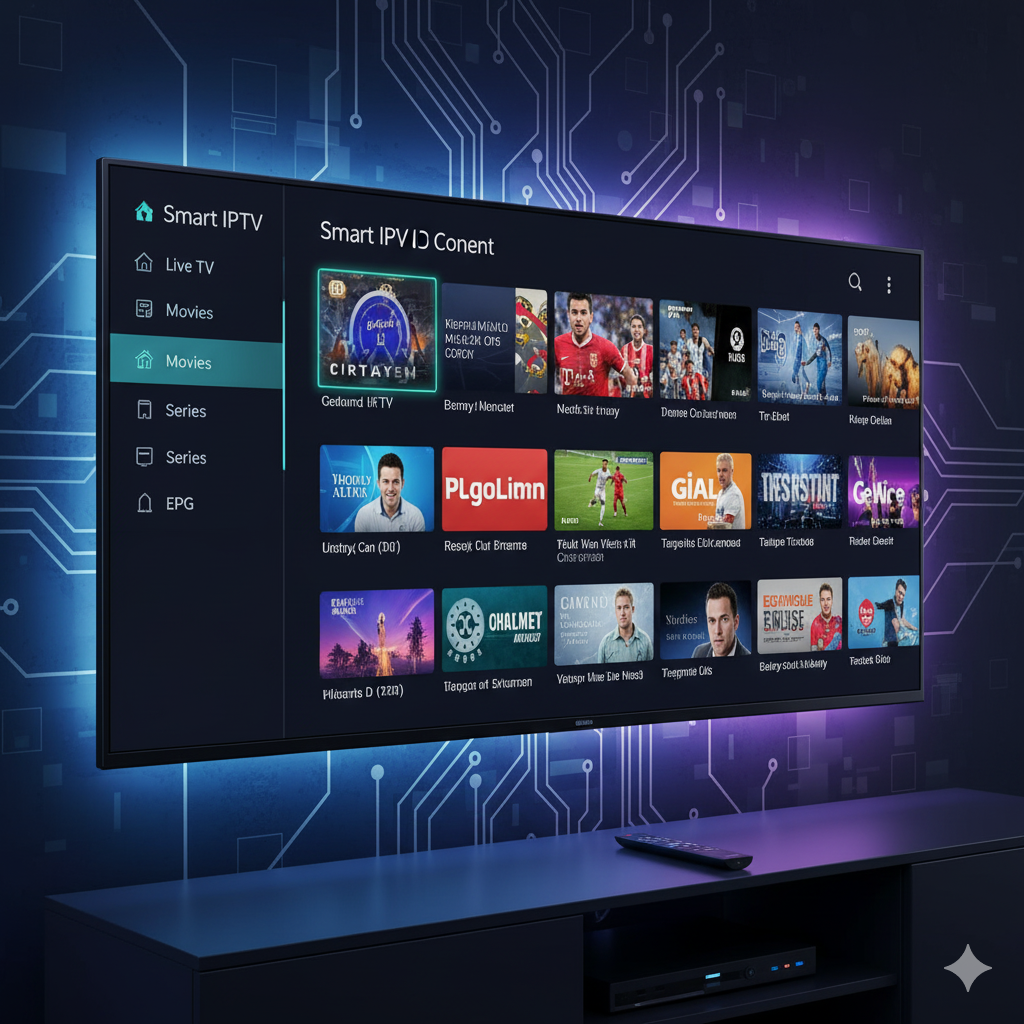
Smart IPTV (SIPTV) is one of the most popular third-party media player applications specifically designed for Smart Televisions, notably LG and Samsung models. Like IPTV Smarters Pro, SIPTV is not a content provider; it’s an efficient software application that allows you to play the content streams from your existing IPTV subscription.
Its main appeal lies in its simplicity: it allows users to utilize their existing Smart TV hardware without needing an additional external device like an Android box or Firestick. SIPTV is renowned for its stability, quick channel switching, and seamless integration with the TV’s operating system.
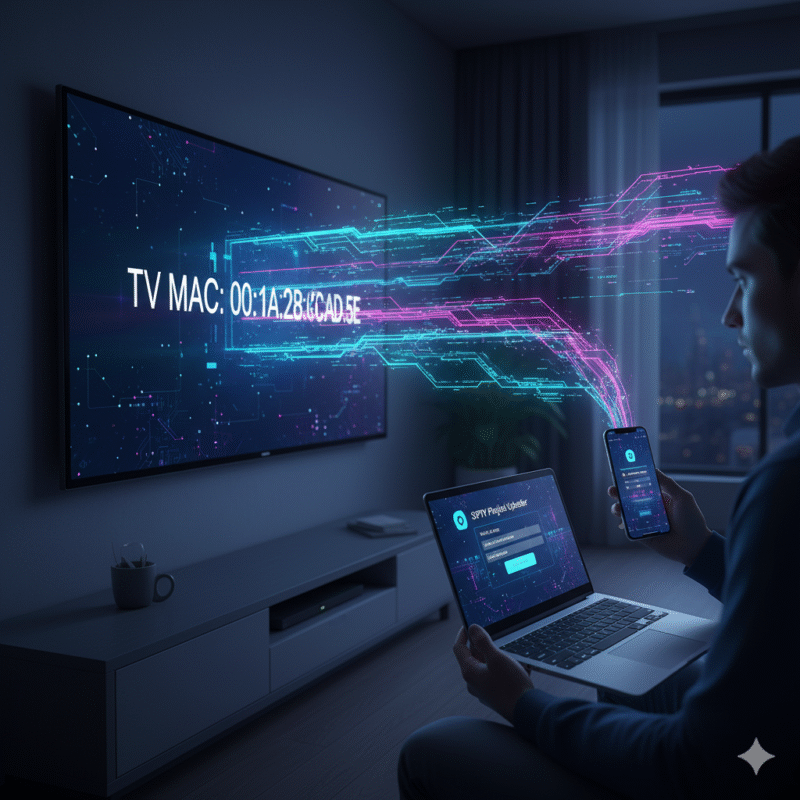
The SIPTV Difference: MAC Address Activation
Unlike most IPTV players that use username/password (Xtream Codes API) or M3U files directly within the app, SIPTV uses a unique, simpler activation method tied to your TV’s hardware: the MAC Address.
This system works in two main steps:
- You find the unique MAC address displayed by the SIPTV app on your TV.
- You use a special website (the official SIPTV portal) to upload your M3U playlist link and link it to that specific MAC address.
This method centralizes playlist management on the web, making the app on the TV incredibly lightweight and stable.
Choose Your IPTV Finland Plan
Enjoy over 25,000+ Live TV Channels, 140,000+ Movies & TV Shows, premium sports, and ultra-fast 4K streaming with instant activation.
VIEW SUBSCRIPTION PLANS →✔ Instant Activation ✔ Secure Payment ✔ 24/7 Support
Key Features That Make SIPTV Popular
While SIPTV focuses on functionality over excessive customization, it offers several critical features that appeal to users seeking a clean, fast experience:
| Feature | Description | Benefit to the User |
|---|---|---|
| Native Smart TV Integration | Pre-installed or easily downloadable on LG and Samsung app stores. | No external hardware (IPTV box) or cables are needed; pure plug-and-play. |
| Fast Channel Switching | Optimized for quick loading and switching between channels, reducing buffering delays. | Provides a smooth experience closer to traditional satellite television. |
| Simple User Interface | A clean, minimalist list-view interface focused purely on the EPG and channel groups. | Easy for all users, including those less familiar with complex streaming menus. |
| Playlist Management | All playlist configuration is handled on an external website. | Keeps the TV app fast and allows for easy, remote updates of channels and EPG links. |
Step-by-Step Setup and Activation Guide
SIPTV requires a one-time activation, usually after a short trial period, and relies entirely on your TV’s unique identifier.
Part 1: Finding Your TV’s MAC Address
- Install the App: Download and open the Smart IPTV app from your Samsung or LG Smart TV’s app store.
- Locate MAC: When the app first opens (or in the app settings), you will see a unique 12-digit code displayed on the screen labeled “TV MAC” (e.g.,
AA:BB:CC:DD:EE:FF). Write this down.
Part 2: Linking Your Subscription
- Visit the Portal: On your computer or phone, go to the official SIPTV website’s upload portal.
- Enter Details:
- In the “MAC” field, enter the TV MAC address you wrote down.
- In the “URL” field, paste the full M3U URL provided by your IPTV service (it usually starts with
http://).
- Submit: Click the “Send” button (or “Upload”). You should see a confirmation message that the playlist was successfully added to your TV.
- Refresh on TV: Go back to the Smart IPTV app on your television and press the “0” button on your remote control to refresh the playlist. Your channels should now appear.
Part 3: Activation (One-Time Payment)
After a 7-day free trial, the app will require a one-time fee to permanently unlock its functionality for that specific TV MAC address. This fee is paid directly to the SIPTV developers and is separate from your IPTV subscription fee.
Pros and Cons of Using Smart IPTV
| Advantage (Pro) | Disadvantage (Con) |
|---|---|
| No extra hardware needed. Utilizes the native processing power of your Smart TV. | Paid Application. Requires a one-time activation fee after the free trial. |
| High Stability. Excellent performance on LG and Samsung platforms with minimal crashes. | Minimal Customization. Fewer settings for changing themes or detailed player preferences compared to Android apps. |
| Simplified Setup. MAC address system is often easier than complex login flows. | Android Only Option: Only works on specific Smart TV platforms (LG, Samsung, etc.). If you switch to an Android TV, you’ll need a different app. |
Conclusion
Smart IPTV remains the premier choice for users who want to stream content directly on their Smart TVs without introducing external devices or dongles. Its MAC address system simplifies the setup, making it one of the most reliable and user-friendly options for achieving a clean, cable-like viewing experience with your IPTV subscription.
Do you want to know more about the official Smart IPTV website functions, or would you like to compare it side-by-side with a popular external player like TiviMate?

Helpful Resources
👉 Learn More About Our Service
👉 Explore Available Plans
👉 Read More About IPTV Technology