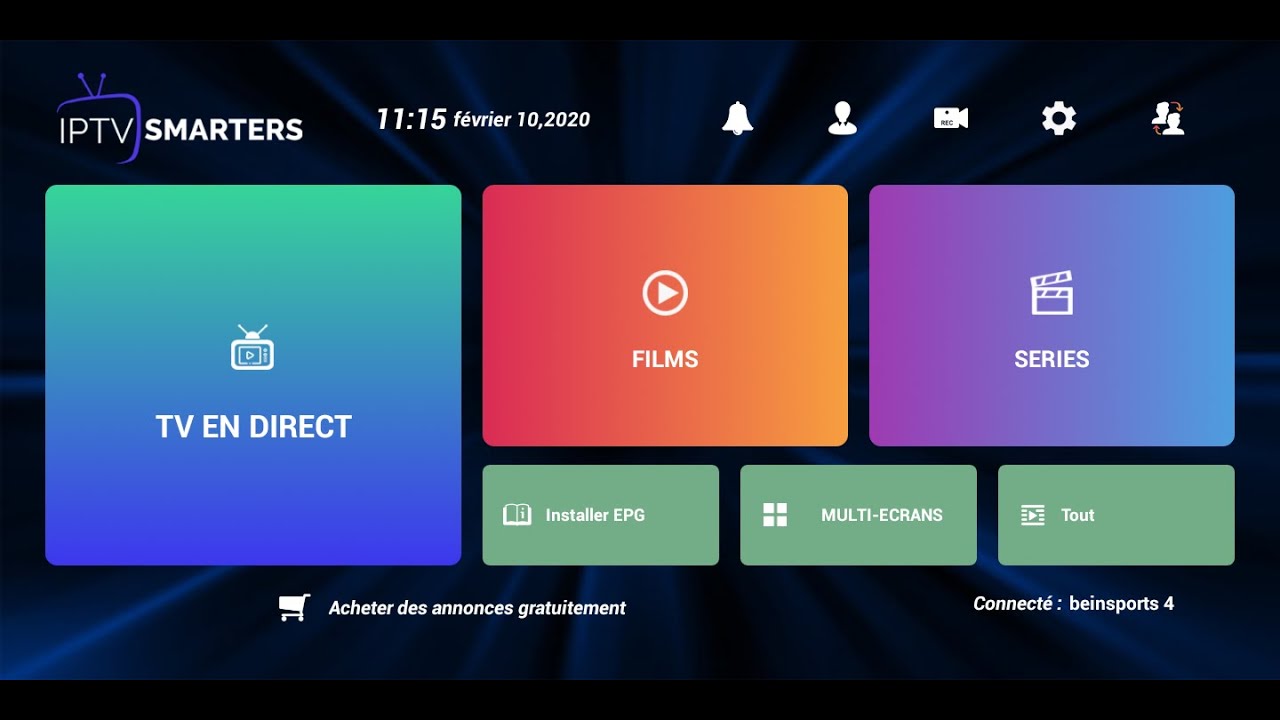
IPTV Smarters is one of the most user-friendly IPTV player applications that provides you the facility to watch Live TV, VOD, Series, Catchup, and Multi-Screen on your Android Devices (Mobiles, Android Boxes, Fire TV Stick, etc.). One of the most interesting features in IPTV Smarters is Catchup. They are not many applications that provide Catchup, before we only have this feature in MAG boxes. Also, you have a Multi-Screen feature in which you can watch up to 4 channels simultaneously.
You can add IPTV channels to IPTV Smarters in two ways:
Setup via Xtream Codes API.
Setup via Playlist.
Setup IPTV Smarters via Xtream Codes API
We recommend setup via Xtream Codes API because you will have the Catchup feature this way and also do not need to add any EPG URL (it will load automatically).
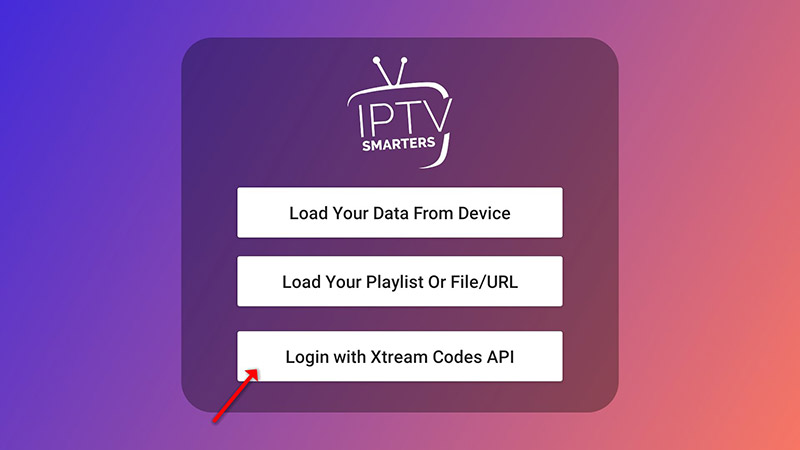
Open the app once downloaded and click on “Add user” then click on “Login with Xtream Codes API“.
STEP 3:
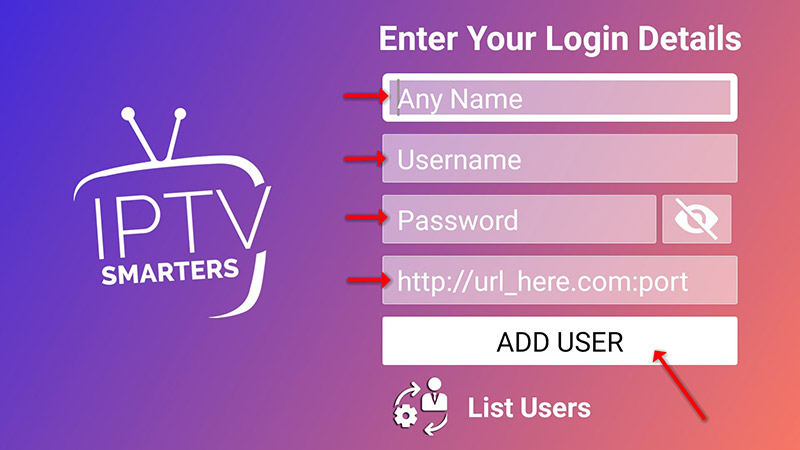
In this step, in the first box, select any name you want for example “IPTV Xtream”. On the second and third boxes, enter the “Username” and the “Password” of your M3U line and the server URL which can also be found on your M3U line.
Now Click on “ADD USER” to proceed to the next section.
STEP 4:
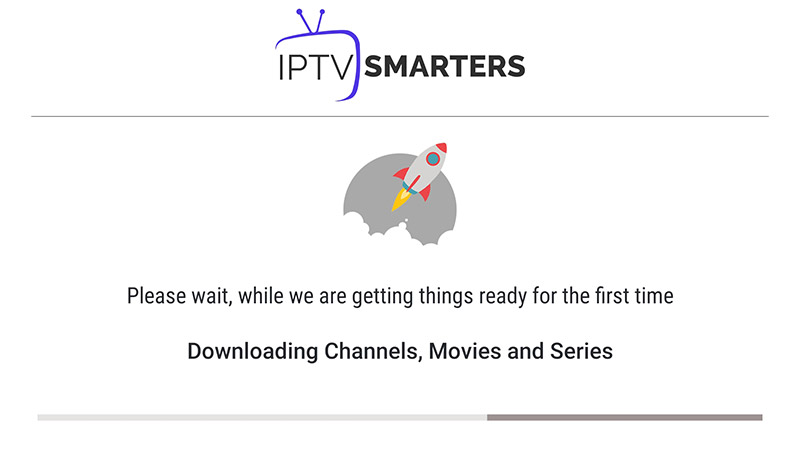
Wait some seconds.
STEP 5:
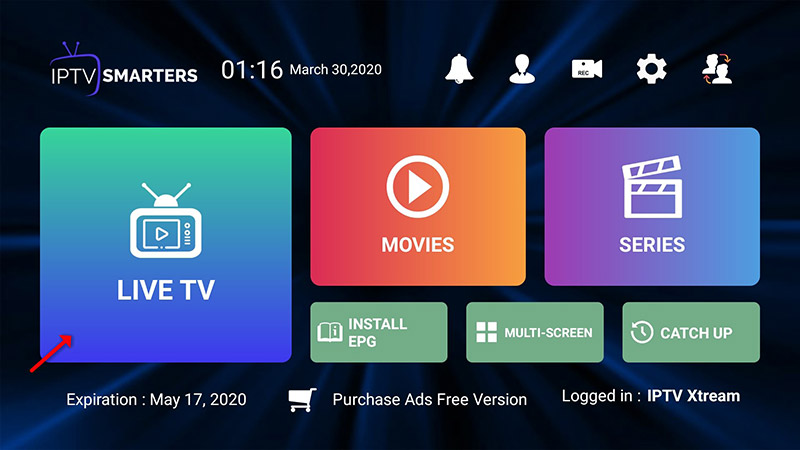
Now click on the “Live TV” icon as depicted in the image via a red arrow.
STEP 6:
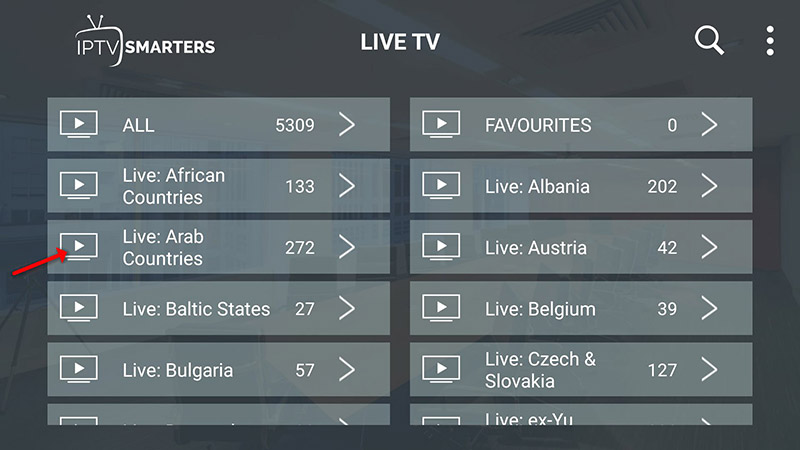
Now you must select the channel group that you want to watch and proceed to the next section.
SETP 7:
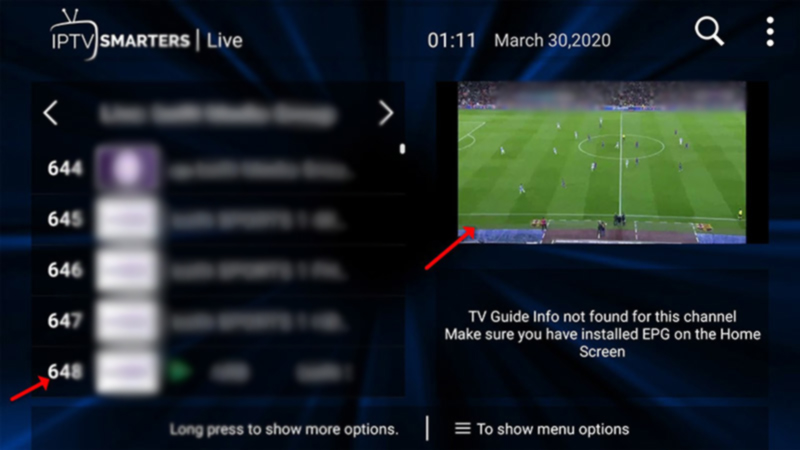
Now you must click on the channel name and then double click on the small screen to turn into the full screen as the final step.
STEP 8:
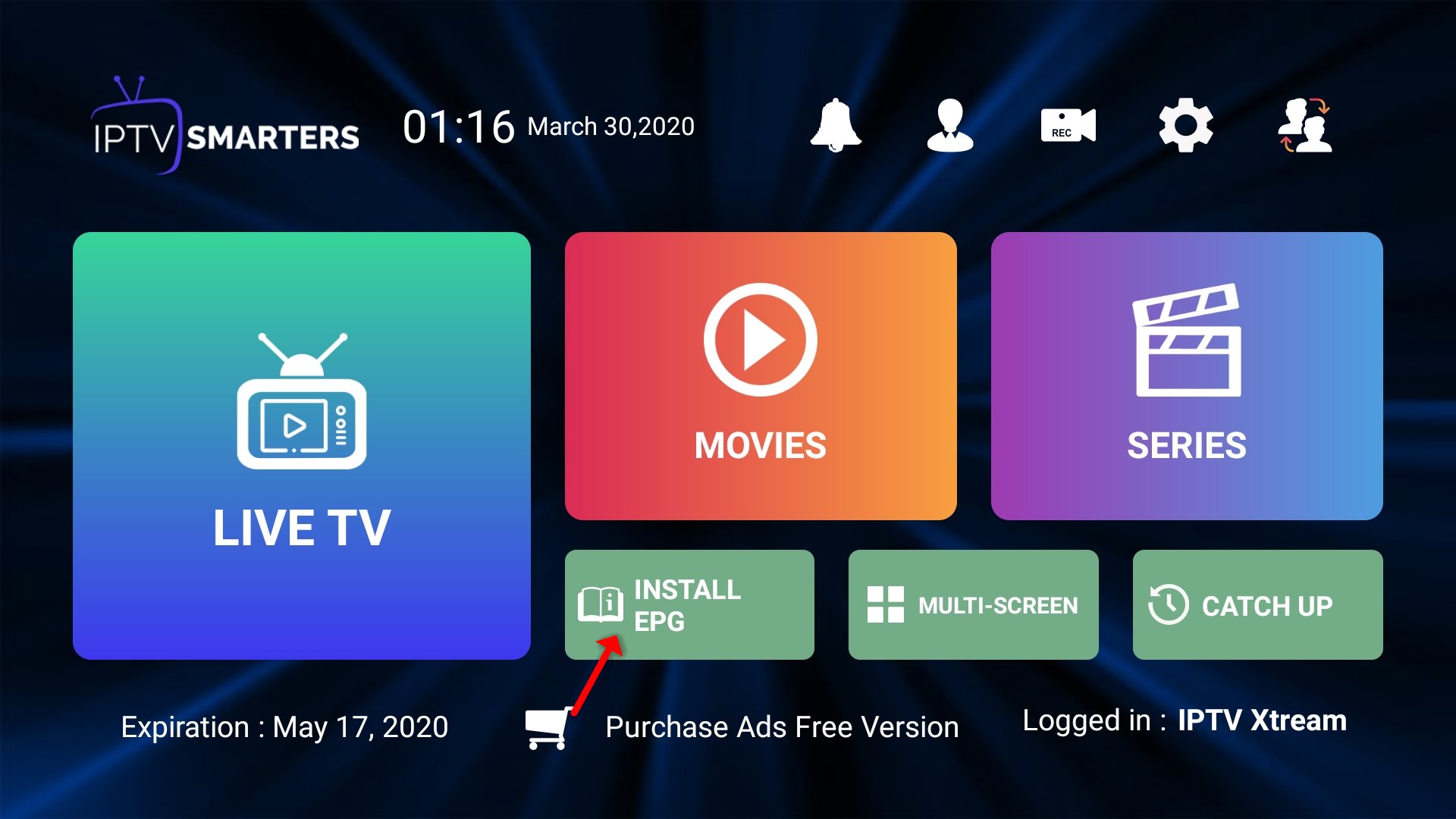
To add EPG no need to add any EPG URL, Just click on “Install EPG“.
Setup IPTV Smarters via Playlist
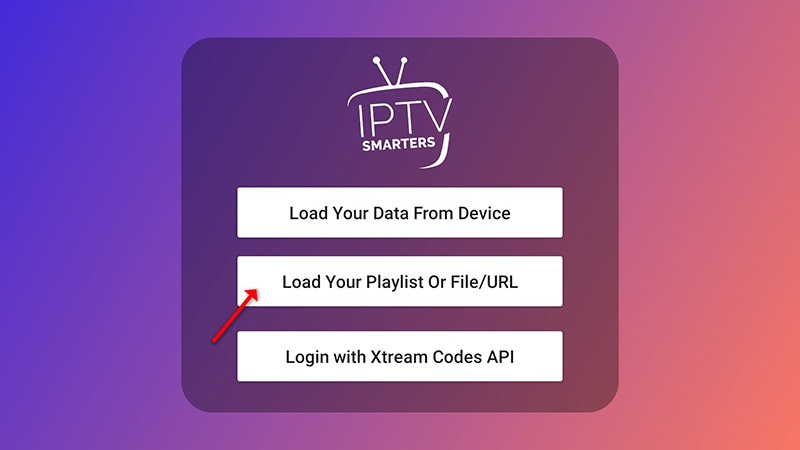
If you don’t have an Xtream Code API, you can use an M3U URL and choose to Load Your Playlist or File URL.
Choose Your IPTV Finland Plan
Enjoy over 25,000+ Live TV Channels, 140,000+ Movies & TV Shows, premium sports, and ultra-fast 4K streaming with instant activation.
✔ Instant Activation ✔ Secure Payment ✔ 24/7 Support
STEP 1:
Open the app once downloaded and click on “Add user” then click on “Login with Playlist“.
STEP 2:
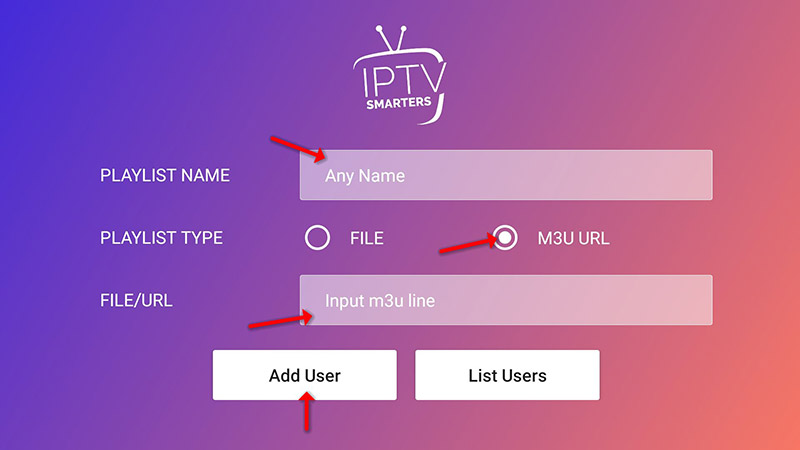
In this step, in the first box, select any name you want for example “IPTV Playlist”. Select “M3U URL” and enter the M3U URL which you get from your IPTV provider.
STEP 3:
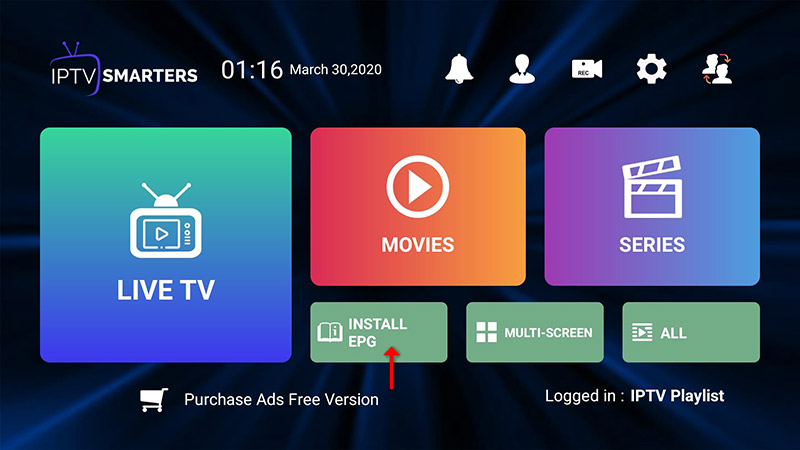
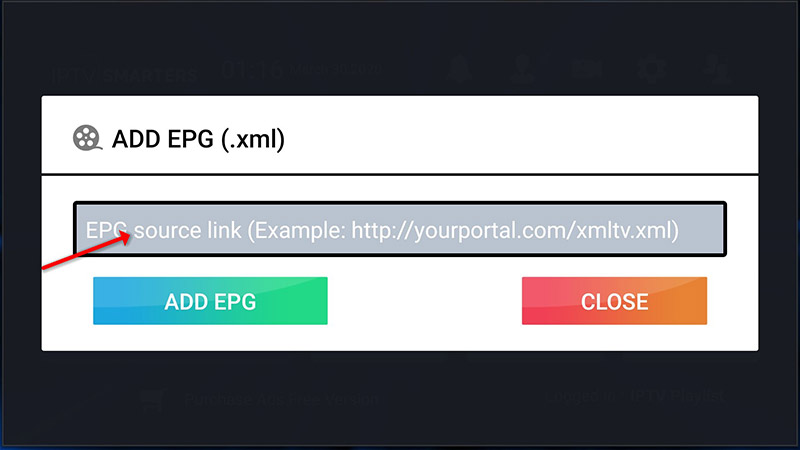
To add EPG click on “Install EPG” and enter the EPG url.
STEP 4:
Now click on the “Live TV” icon, select channels group then the channel you want to watch.
How to Install IPTV Smarters on Android Smartphones
You can install IPTV Smarters on Android Smartphones by downloading the app from the Google Play Store.
Here’s how to do so:
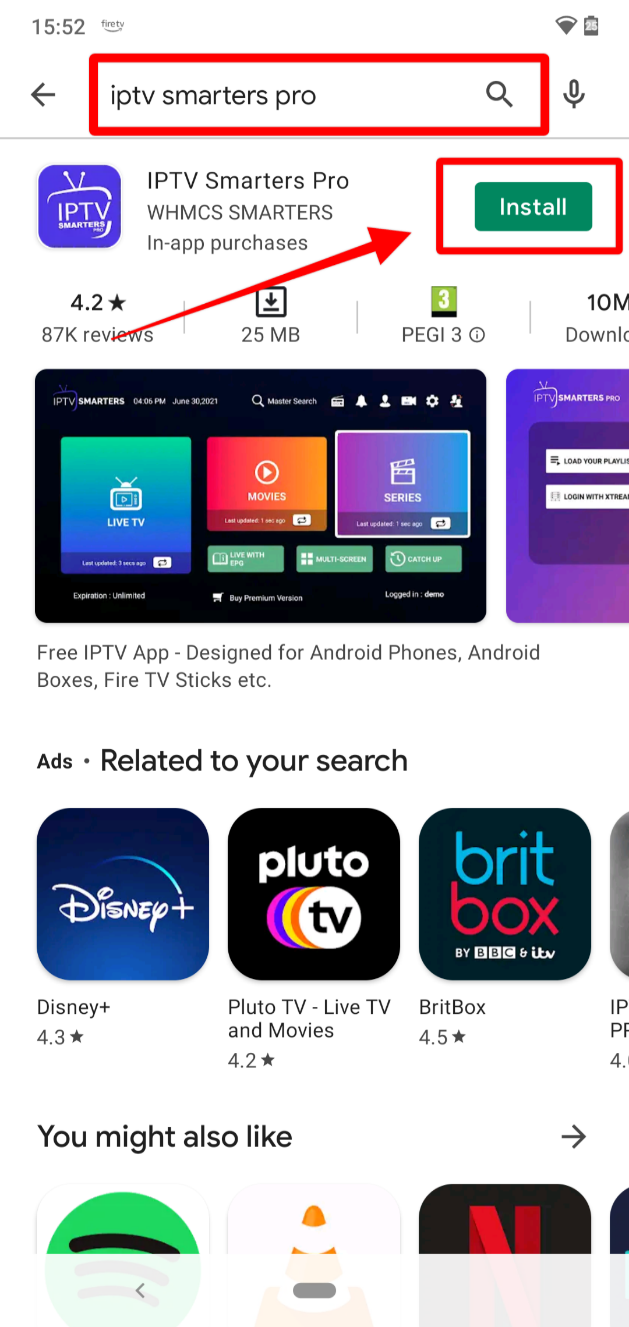
1. Open Play Store and search IPTV Smarters Pro. The app should be the first option. Click Install.
2. IPTV Smarters will start installing.
3. After the installation is complete, click Open.
4. The app will now ask you to select the type of device you are using. Click Save to go with the auto-selected Mobile option.
5. From there, accept the license agreement.
6. IPTV Smarters is now set. The interface is similar to that of Firestick.
What is IPTV-Smarters?
IPTV-Smarters is an IPTV player that allows users to organise and watch compatible IPTV content supplied by their IPTV service.
Does IPTV-Smarters provide channels?
No. IPTV-Smarters is a player. You need a separate legitimate IPTV subscription or authorised playlist to provide the content.
Can I use IPTV-Smarters on Firestick?
Yes, where the compatible application is currently available for your Fire TV device and platform.
Can IPTV-Smarters work on Android TV?
Yes. Compatible Android TV devices can be used with IPTV-Smarters.
Does IPTV-Smarters support EPG?
Compatible versions can display Electronic Programme Guide information when valid EPG data is supplied by the IPTV provider.
Why is IPTV-Smarters buffering?
Buffering may be caused by Wi-Fi problems, network congestion, insufficient bandwidth, device limitations, or issues with the content source.
Looking for the perfect and the best IPTV Finland service? Dive into our recent blogs post for simple advice on how to get the best streaming experience.